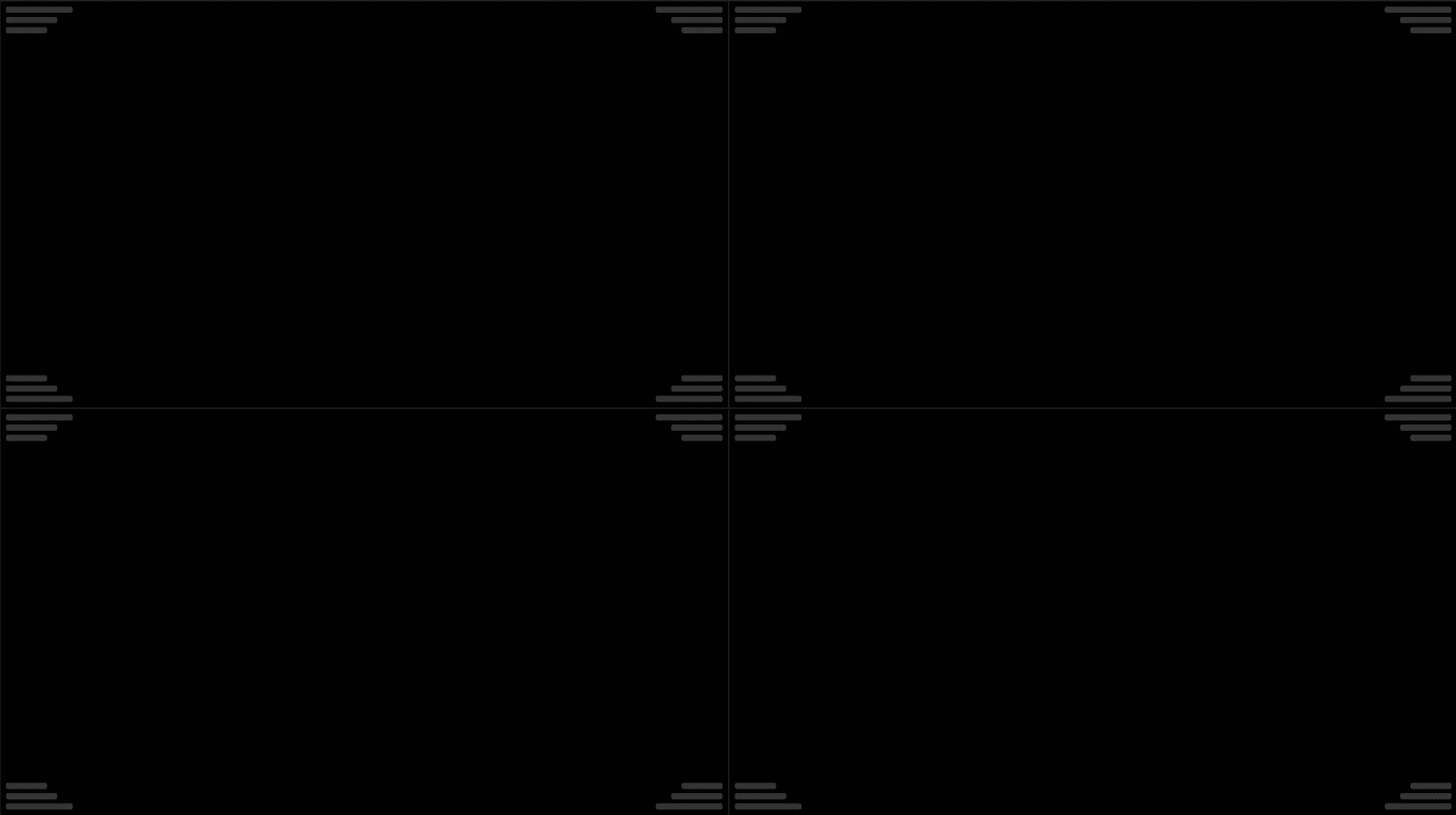
When viewing a single exam without comparisons, only a single panel is shown. Example: Single panel, 4 viewports. | |
|---|---|
 |
When viewing current and one or more comparison exams, the current exam is on the left panel and the comparison exam(s) on the right panel. Example: Two panels, 4 viewports. | |
|---|---|
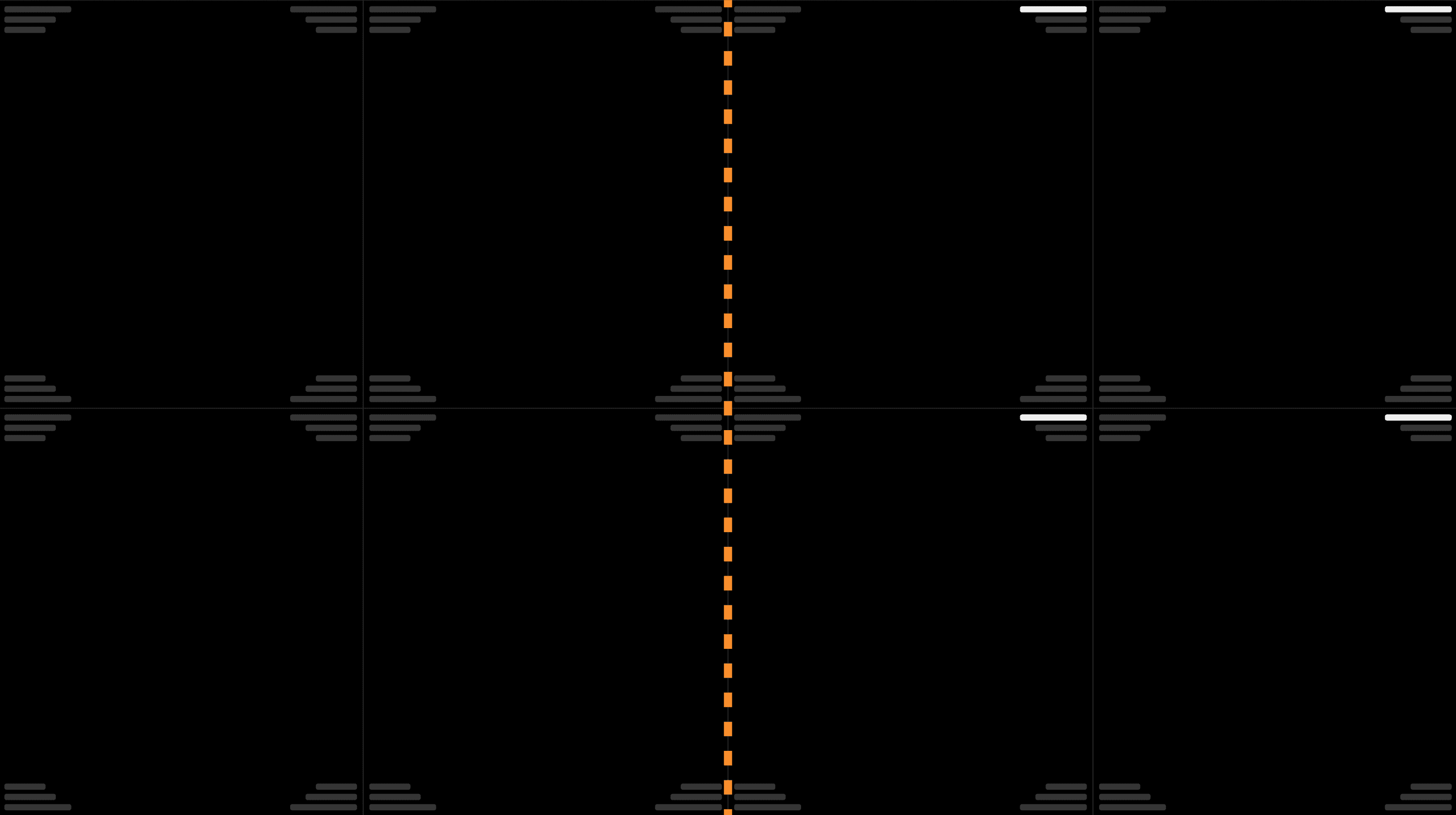 |
Independent viewport layout per panel. The keyboard shortcuts for viewport layouts depend on the location of your cursor. For example, if your cursor is located on the left panel and you apply a viewport keyboard shortcut, it will only affect the left panel. | |
|---|---|
 |