Click on the “Profile” option as shown here. | |
|---|---|
 |
Under the “Viewer” section, next to “Select viewer”, select “System Default”. | |
|---|---|
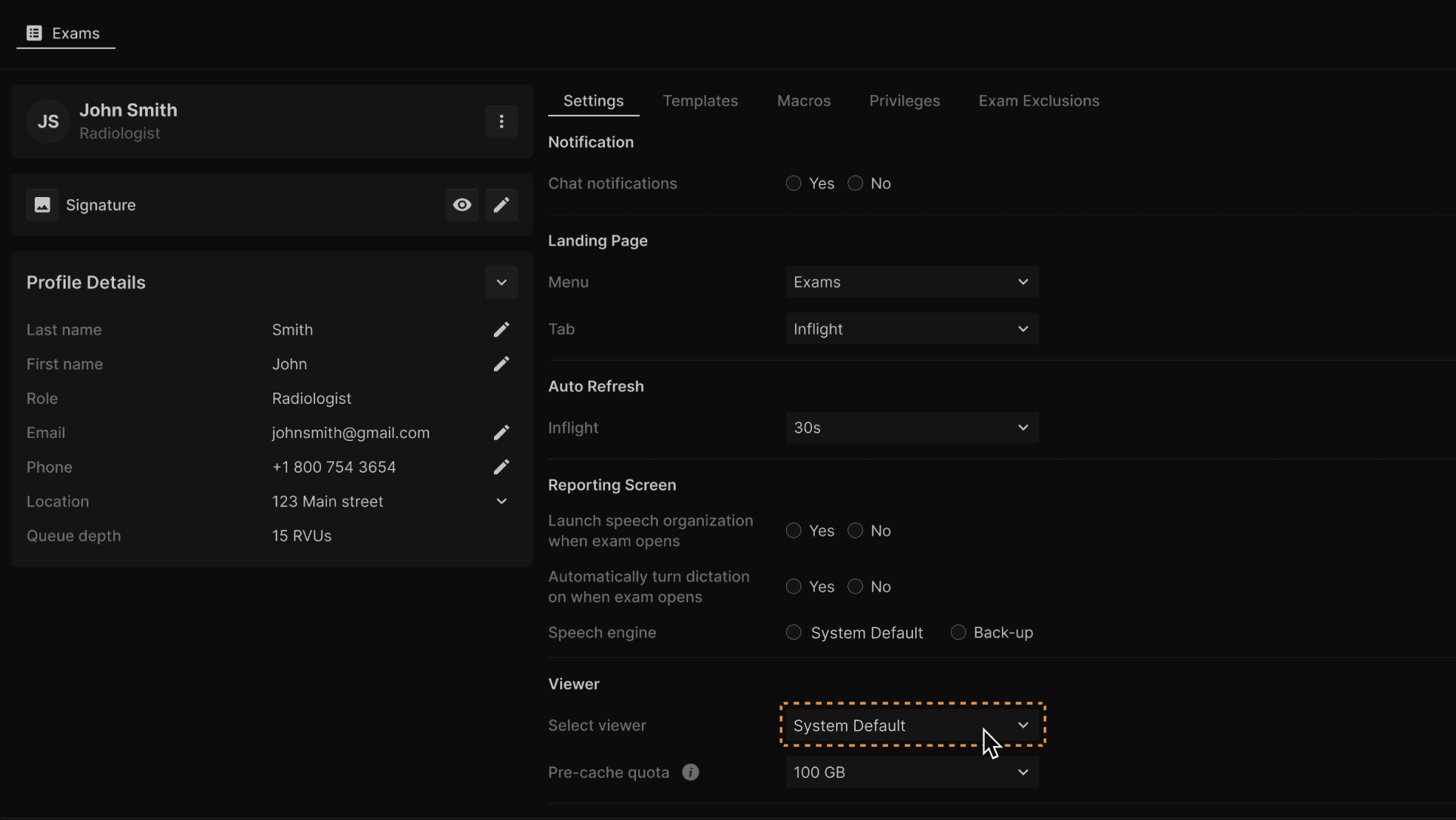 |
Under the “Viewer” section, next to “Pre-cache quota”, select GB size. By default it is set at 100 GB. | |
|---|---|
 |
Click on the “Profile” option as shown here. | |
|---|---|
|
Under the “Viewer” section, next to “Select viewer”, select “System Default”. | |
|---|---|
|
Under the “Viewer” section, next to “Pre-cache quota”, select GB size. By default it is set at 100 GB. | |
|---|---|
|