Release notes: Workflow and reporting
Workflow and reporting: Version 8.0.0
Improved Exam Sharing Experience | ||
|---|---|---|
We’ve redesigned the exam sharing experience to make it easier to send exams and track delivery. | ||
What’s New: | ||
A new Share dialog that brings all sharing options together in a single, streamlined interface. | ||
Support for:
| ||
A new Gateways tab at the facility group level that lets you:
| ||
What’s Changed:
| ||
Impact to Users:
| ||
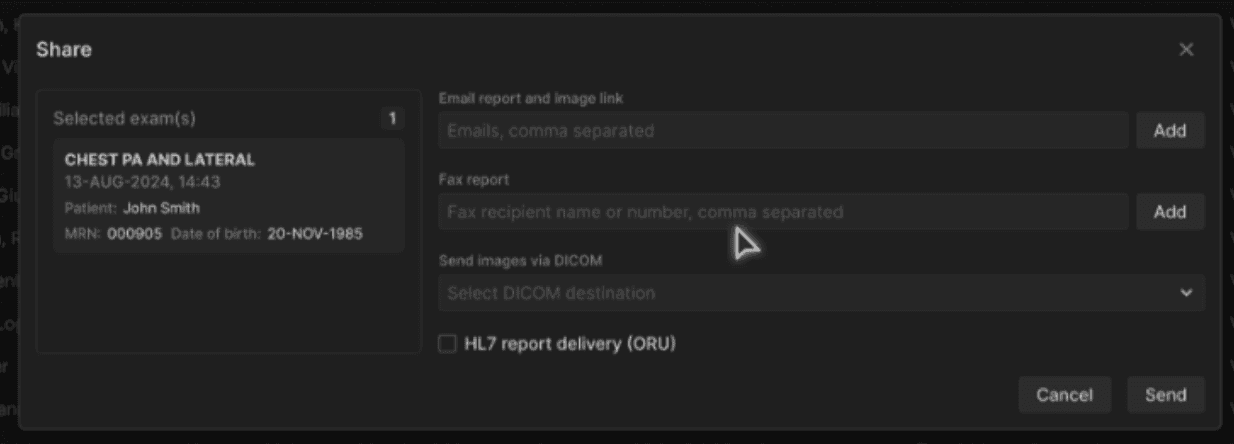 |
Image Availability Notifications (HL7 IAN) | ||
|---|---|---|
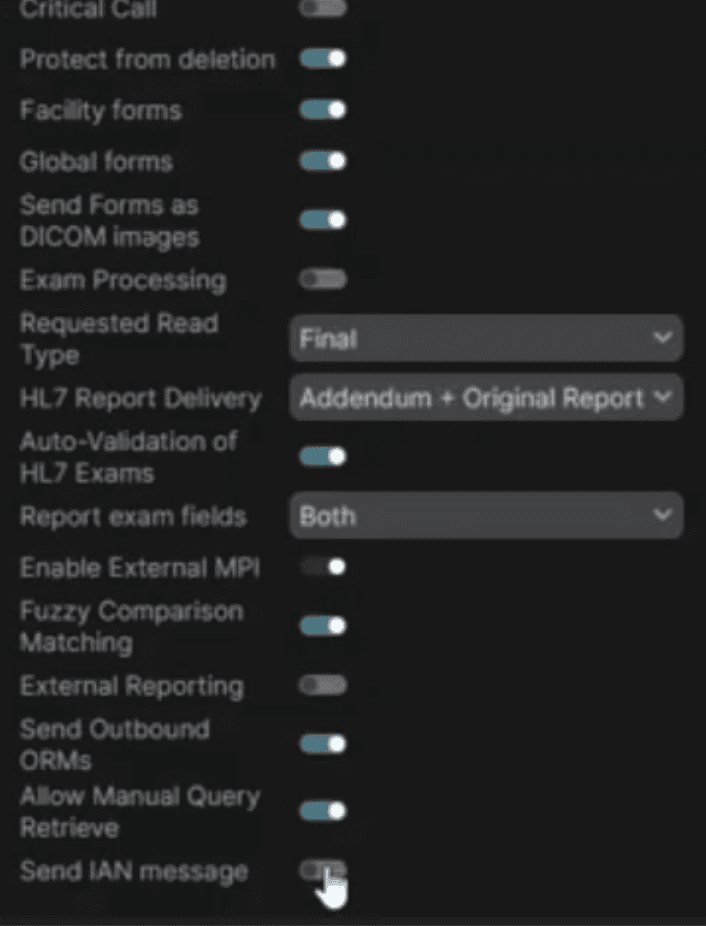
The system now automatically notifies downstream systems when images are received, helping eliminate manual follow-ups and delays. | ||
What’s New: | ||
| ||
Impact to Users: | ||
| ||
 |
Bug Fixes | ||
|---|---|---|
Radiologist Queue Depth Not Applied During Duty Assignment | ||
A defect in the duty assignment logic caused radiologists to continue receiving exams even after exceeding their configured Queue Depth RVU limit. This issue has been corrected, and the system now properly enforces Queue Depth thresholds before assigning additional exams. | ||
Incorrect Partial Match Order Data After DICOM Matching | ||
A defect in the Partial Match workflow caused orders matched via Match to DICOM → Partial Match to display incorrect HL7based metadata, including DOS, Forms, Exam Code, and Client Exam Type. This occurred in Preprod and Stage environments and resulted in mismatched order details when users performed partial matches through the unmatched orders flow. The issue has been resolved by updating the partial match processing logic to ensure all HL7 fields are correctly synced and persisted during post match operations. |